Sensor calibration
To calibrate the sensors, go to the Vehicle Setup tab and select the Sensors menu.
Gyroscope
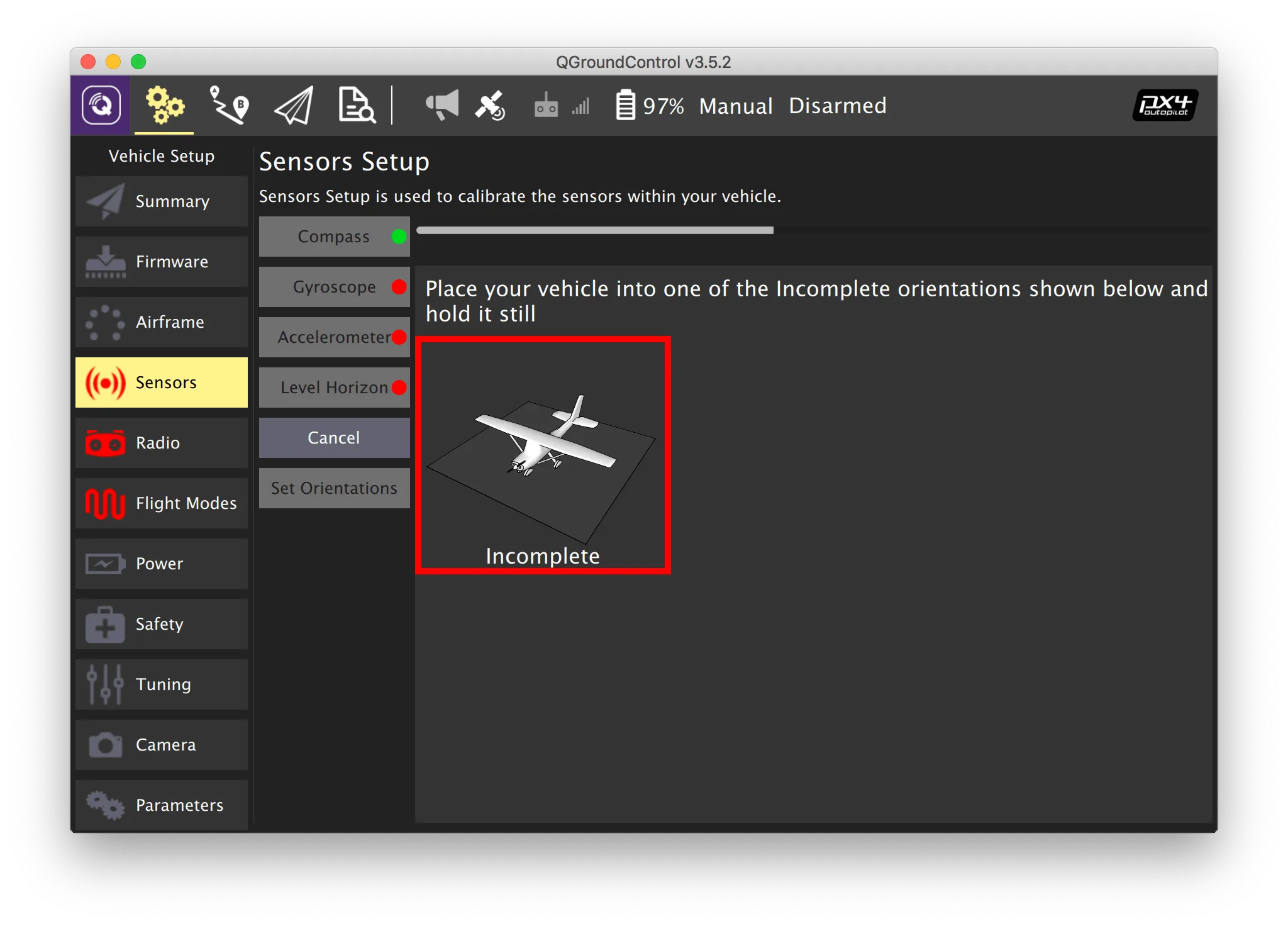
- Select the Gyroscope menu.
- Place the quadcopter on a flat surface.
- Press OK.
- Wait for the calibration to complete.
During gyroscope calibration, the quadcopter must not change position, wobble, etc.
Additional information: https://docs.px4.io/master/en/config/gyroscope.html.
Accelerometer
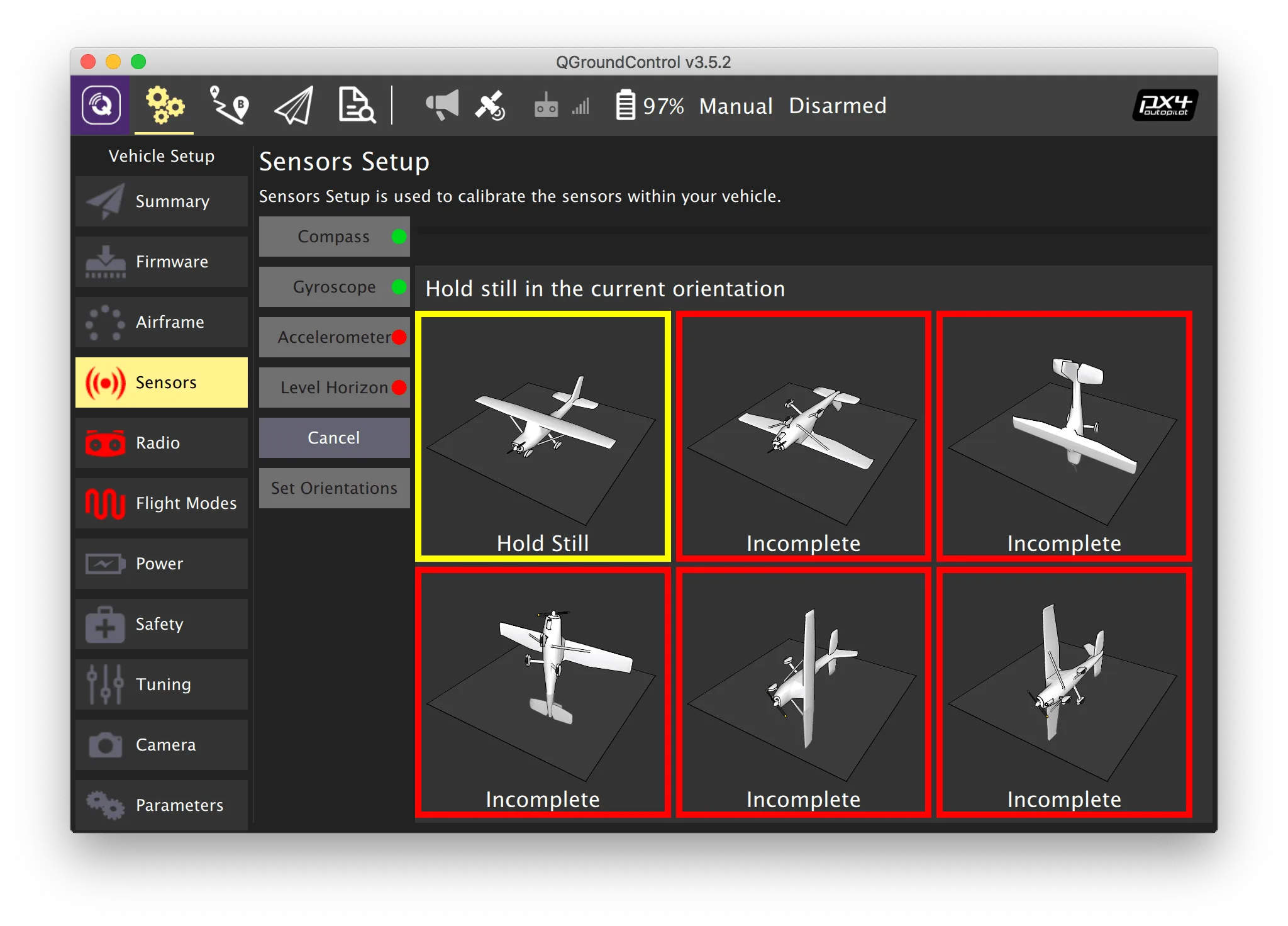
- Select the Accelerometer menu.
- Select the flight controller orientation — ROTATION_NONE if the flight controller is oriented with its front towards the quadcopter's nose.
- Sequentially place the quadcopter in each of the indicated orientations until the yellow frame appears.
- Hold the quadcopter motionless until the green frame appears.
Additional information: https://docs.px4.io/master/en/config/accelerometer.html.
Level horizon
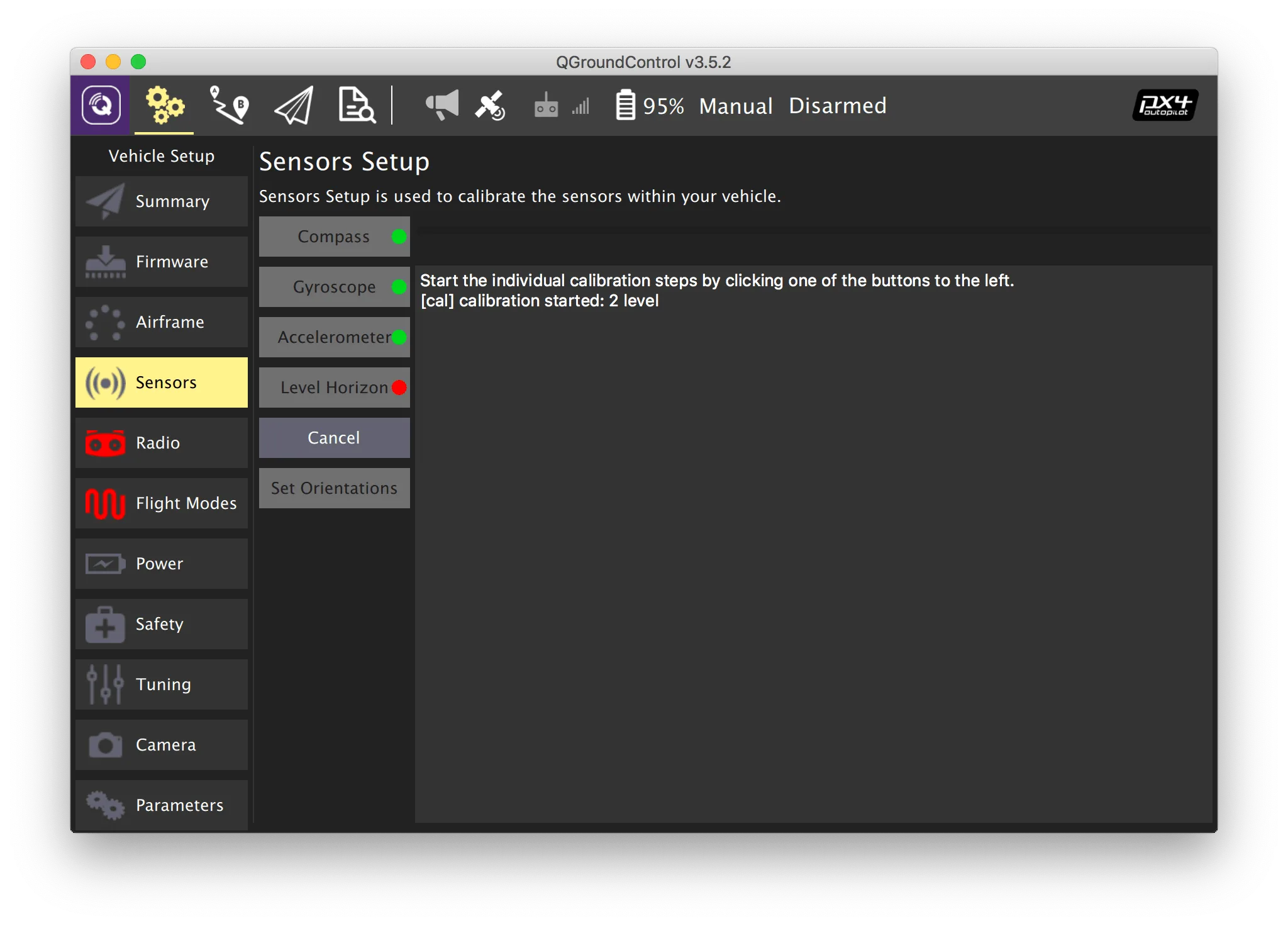
- Select the Level Horizon menu.
- Select the flight controller orientation — ROTATION_NONE if the flight controller is oriented with its front towards the quadcopter's nose.
- Place the quadcopter on a flat surface.
- Press OK.
- Wait for the calibration to complete.
Additional information: https://docs.px4.io/master/en/config/level_horizon_calibration.html.
Next: RC setup.